info@cadtraining.com.my || info@caddesignschool.com
Phone
0380630414 01173052587 014-6491168
Location
3rd Floor, 27 Jalan Puteri 4/6, Bandar Puteri, 47100 Puchong, Selangor
info@cadtraining.com.my || info@caddesignschool.com
Phone
0380630414 01173052587 014-6491168
Location
3rd Floor, 27 Jalan Puteri 4/6, Bandar Puteri, 47100 Puchong, Selangor
The Microsoft Excel Training Course at CAD Training Centre is a comprehensive, HRD Corp claimable program—ranging from Basic to Advanced—designed for professionals and corporate teams in Malaysia. Master formulas, data visualization, and automated dashboards through hands-on training in Puchong or via live online sessions. CAD Training Centre also offers advanced pathways including Power BI, Power Query, Power Pivot, Dashboards, and VBA. Training is available physically in Puchong, Malaysia with laptops provided—or via live online sessions, complete with a certificate of completion and free repeat classes.
——————————————–
Microsoft Excel is the most recognised spreadsheet program with many functions and diverse applications. But to maximise its use, skill and experience is needed. For example, if you want to turn raw data into insights, present your data in compelling ways or create trend predicting forecasts, then you need to master Microsoft Excel.
The mastery of Microsoft Excel will also help you cut down on workload and be efficient in the workplace. The majority of employers expect you to be proficient in Excel before they hire you.
At the CAD Training Centre, our number one goal is to enable our students to implement the skills immediately at the workplace or business.
We offer 3 fundamental levels of Excel training and after these levels, 3 more advanced levels, and you can take them one at a time or all together to build your skills step by step. Perfect for anyone looking to get better at Excel!
Microsoft Excel Basics
Microsoft Excel Intermediate
Microsoft Excel Advanced

| Courses | Normal Price | Current Physical Promotion | Current Online Promotion | CCD Points |
|---|---|---|---|---|
| Microsoft Excel Basics (1 day) | RM 950 | RM 570 | RM 525 | 10 CCD Points |
| Microsoft Excel Intermediate (1 day) | RM 1050 | RM 670 | RM 595 | 10 CCD Points |
| Microsoft Excel Advanced (1 day) | RM 1150 | RM 770 | RM 645 | 10 CCD Points |
| MS Excel Power Pivot, Power Query and Dashboards (2 days) | RM 2450 | RM 1890 | RM 1890 | - |
| MS Excel Visual Basics for Application (Macro) (2days) | RM 2450 | RM 1890 | RM 1890 | - |
| Power BI Desktop Essentials | RM 2800 | RM 1890 | RM 1890 | - |
Learn the basics of Excel, from data entry and simple formulas to creating charts. Perfect for beginners who want to get start with Excel!
Who is it for: The course is for a complete beginner and has little or no working knowledge of Microsoft Excel.
Duration: 1 Day (10 CIDB CCD Points) points will be awarded for construction companies.
Private Classes: 1 to 1 Class are also available or Weekend classes . Please contact us for more info.
Private Class : Normal Price RM 2500 per day – *Promotional Fee* RM1900 per day.
| Module 1 | Getting started with Microsoft Excel •Spreadsheet terminology •The Excel environment •Getting help • Navigating a worksheet |
| Module 2 | Entering and editing data •Entering and editing text and values •Entering and editing formulas •Working with pictures • Saving and updating workbooks |
| Module 3 | Modifying a worksheet •Moving and copying data •Moving and copying formulas •Absolute and relative references •Inserting and deleting ranges, rows, and columns |
| Module 4 | Using functions •Entering functions •Auto Sum •Other common functions |
| Module 5 | Formatting •Text formatting •Row and column formatting •Number formatting •Conditional formatting •Additional formatting options |
| Module 6 | Printing •Preparing to print •Page Setup options •Printing worksheets |
| Module 7 | Graphics and screenshots •Conditional formatting with graphics •SmartArt graphics •Screenshots |
In this course, we will explore functions and uses, such as working with multiple worksheets, personalization, data control, complex functions, automation and more.
Who is it for: This program is for anyone with Basic Excel knowledge who wants to learn more and improve their skills.
Duration: 1 Day (10 CCD Points) points will be awarded for construction companies.
Private Classes: 1 to 1 Class are also available or Weekend classes . Please contact us for more info.
Private Class : Normal Price RM 2500 per day – *Promotional Fee* RM1900 per day.
| Module 1 | Formulas and Functions • Text Functions • Date Calculation |
| Module 2 | Data Consolidate • Consolidate data within same workbook • Consolidate data from multiple workbooks |
| Module 3 | Data Validation •Apply Data Validation • Types of validation criteria •Apply Data Validation • Setting meaningful Alert Message • Provide friendly Input Message • Using Formula in validation • Creating Own Drop Down • Removing Data Validation |
| Module 4 | Database (table) •Sorting Database List • Using the Text to Columns Feature •Using Advanced Filters |
| Module 5 | Conditional Formatting •Highlight Top 10 Numbers • Using Data Bar •Using Icons instead of numbers • Adding a Conditional Format • Changing a Conditional Format • Creating a Custom Format • Using Own Formula • Delete a Conditional Format |
This course focuses on mastering Microsoft Excel, covering advanced functions, macros, and integrated Office applications.
Who is it for: This Excel training is ideal for those looking to advance their skills and become an expert or power user in Microsoft Excel.
Duration: 1 Day (10 CCD Points) points will be awarded for construction companies.
Private Classes: 1 to 1 Class are also available or Weekend classes . Please contact us for more info.
Private Class : Normal Price RM 2500 per day – *Promotional Fee* RM1900 per day.
| 1 | What if analysis • Using Scenario Manager • Creating and editing scenarios • Creating a scenario report |
| 2 | Data Tables • The single variable data table • 2 variable data table • Adding additional formatting |
| 3 | Working with Outlines • Applying an outline • Automatic outlining • Displaying and collapsing levels • Modifying outline settings •Creating subtotals |
| 4 | Analysing data with pivot table • Creating Pivot Table • Defining the source range • Inserting, moving and deleting fields • Showing and hiding fields • Grouping and ungrouping fields • Renaming fields •Defining field properties • Formatting a pivot table • Refreshing a pivot table |
| 5 | Index and Match • Formatting a pivot table • Refreshing a pivot table |
Our class timings are from 9:00 AM – 5:00 PM, with regular breaks in between.
Our lunch periods start from 1:00 PM – 2:00 PM.
Upon registrations our team will provided each student RM15 cash voucher that can be used for lunch.
We can arrange Excel courses on weekdays. However, if you have a group of 4 and above, we can organize a class for you during the weekend.
For more info do contact us 011 7305 2587 or 011 649 1168 for more details on the weekend class.
See our training schedule :
Absolutely. Furthermore, we design the courses for attendees who come with absolutely no prior knowledge or experience in Microsoft Excel or other spreadsheet programs.
We have three primary levels of Microsoft Excel training, and each takes up a day. The three levels are Basics, Intermediate and Advanced.
For students who wish to explore further, they can also choose the more advanced excel courses like Excel Data Analysis and Excel VBA & Macro which generally take two days each.
Yes, you can. Our Microsoft Excel Basics program only takes one day.
However, if the participants wish to master excel, it will take approximately 2-3 days to become an advanced user of Microsoft Excel.
Our training center is in Bandar Puteri, Puchong, just a 4-minute walk from the Bandar Puteri LRT station. For people who are driving, there are shaded parking areas available nearby for only RM5/day, and a multi story car park not to far away from our training center.
Laptops aren’t required, but you can bring yours if you want to.
We also do provide a handbook for reference during the Excel training.
Yes we do both physical trainings ( in our centre) and also online trainings You can choose. Our online classes are held on platforms like Zoom. Lessons are designed for easy understanding, with hands-on exercises guided by our experienced trainers through screen sharing.
Yes the excel courses are fully HRDCorp claimable under SBL Khas scheme.
Our public Excel Courses are done in a mix of English and Bahasa Melayu. Many have commented it is easy to understand. However we have also done Excel in Mandarin for companies for specialised requests for corporate trainings.
Yes we provide a Certicate of Attendance after attending each level.
Yes we frequently customize the course according to companies needs for corporate trainings (inhouse trainings).
Yes we can definitely do this, It is called inhouse trainings, and normally recommended if you have a minimum of 5 participants and above, and the fees is higher (per day pricing for a group).
Yes ,We do offer in-house training for groups of 7 or more, either at your venue or online. Just give us a call at 011 7305 2597 or 011 649 1168 , and we’ll help with pricing and arrangements!
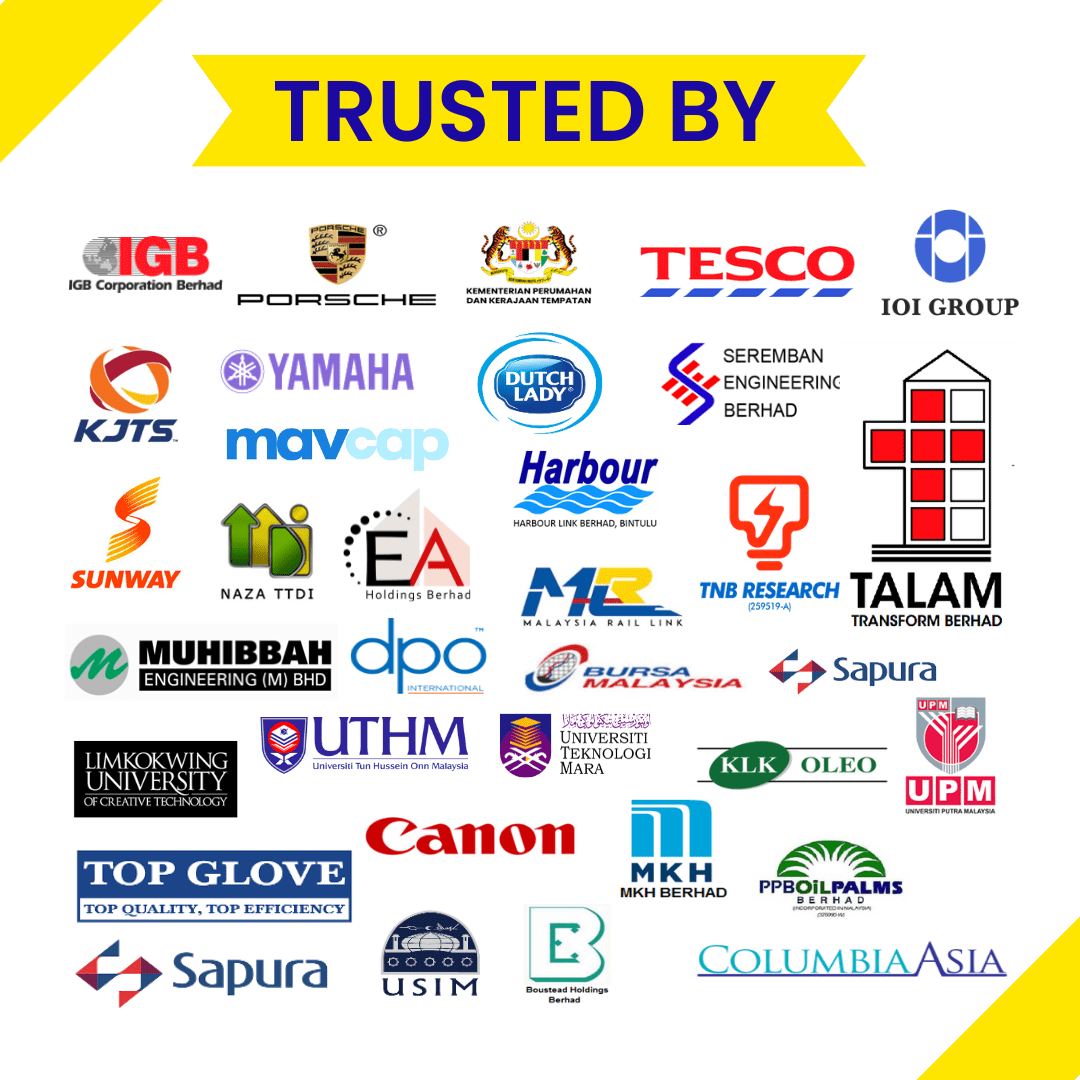
We have conducted training for various companies such as TNB, Tesco, UTM, IGB Corporation Berhad, Boustead Naval Shipyard, Technip, FMC, MavCap, IOI Group, Talam, MKH Berhad, Omron Electronics, UCSI, Naza TTDI, Seremban Engineering Berhad, Gamuda Berhad, Yamaha, Sunway. Harbour Link Berhad, EA Holdings Berhad, LimKoKWing University, Taylors University, UPM, UTHM, Universiti Teknologi MARA, Nottingham University, Muhibbah Engineering.
Our trainers have around 7-15 years of coaching experience, and they are very versatile in teaching in the classroom, online or corporate environment. Our trainers conduct classes in an efficient and hands-on manner, so you’ll never find the course boring.
We are a registered training provider with the Ministry of Finance, MOF and also CIDB
We are accredited by the Human Resource Development Fund, HRDF. All our courses offered by us are under the HRDF claimable under the ‘SBL’ Khas Scheme.
Our classes are 70% practical and 30% theory for better learning. With small class sizes (12-15 students), trainers can give more personal attention
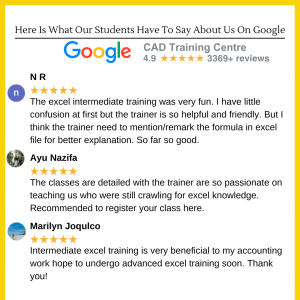
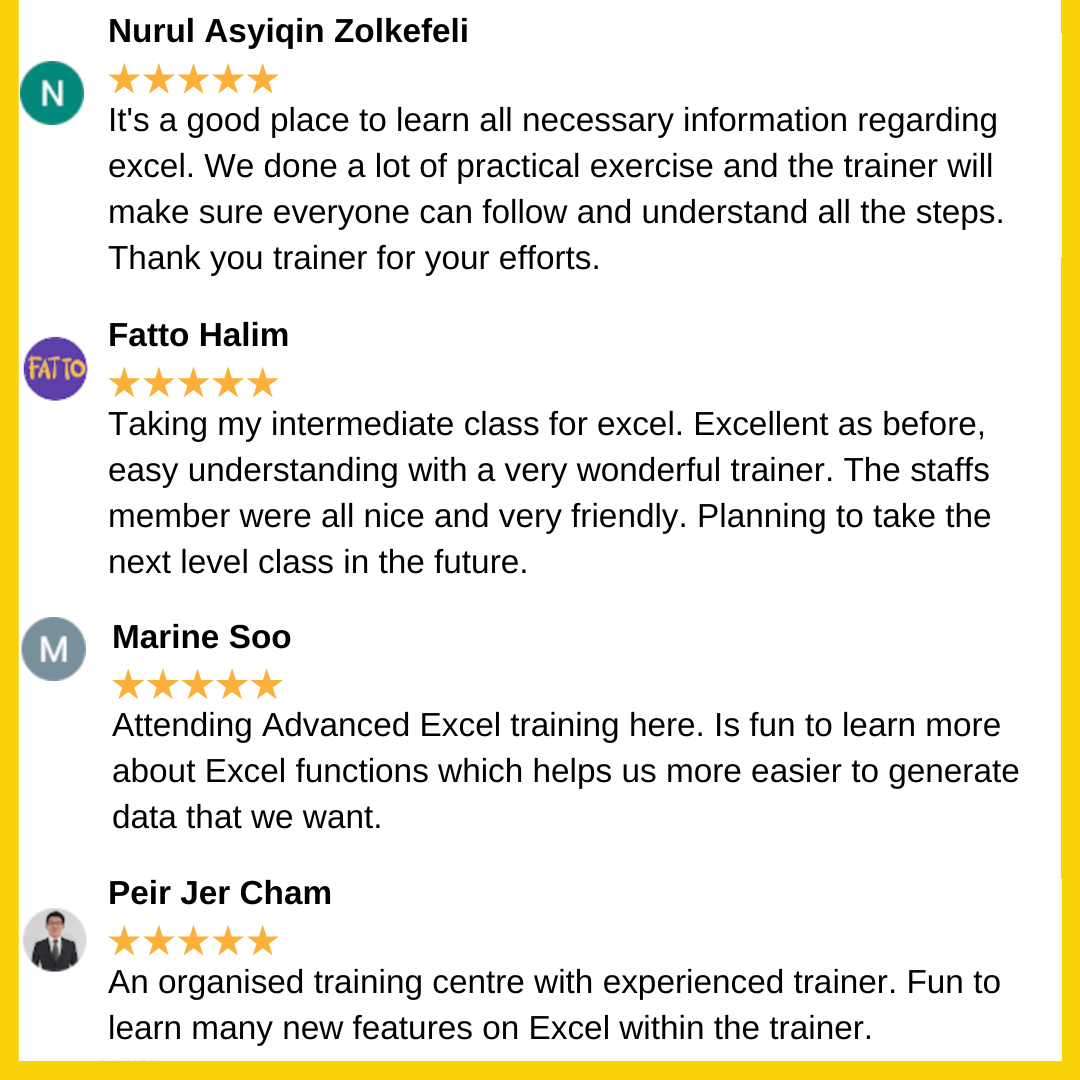
We have trained many well-known companies and individuals who completed their course highly satisfied. We feel honoured to receive their encouraging feedback and positive reviews. Read our full excel training testimonials here.
[trustindex data-widget-id=bd41f6a86f0d12982d5e8673d2]
Related Articles on Excel Training and Excel Courses
